Skip to content
In Active Development · iOS 18

Shared living. One fair schedule.

Your Space is a native iOS app for anyone sharing a home — roommates, students, or families — who needs a neutral way to book the washer, bathroom, kitchen, or anything else before tension starts.

Your Space schedule screen — product mockup

Project

Your Space

Platform

Native iOS 18

Stack

Swift · SwiftUI

Role

Design & Build

Who It’s For

Built for households that share everything.

The people who get Your Space fastest are the ones already navigating the same daily friction — too many people, not enough resources, and schedules that never stay still.

College Students

Ages 18–24 · Primary

Dorms, off-campus apartments, and Greek houses where four to six people share one kitchen, one bathroom, and a single washer-dryer.

  • Volatile class and social schedules
  • No one “in charge” of fairness
  • Washer, shower, stove, study space

Young Professionals

Ages 23–35 · Primary

City roommates who need predictability at home — especially during the morning bathroom rush and Sunday meal-prep congestion.

  • 7–8:30 AM bathroom crunch
  • Shared gym gear and home office
  • Structure without negotiation

Modern Families

Teens at home · Growth

Parents tired of refereeing shower wars, gaming-console battles, and who gets the family car on Friday night.

  • Digital peacekeeper for parents
  • TV, console, and car reservations
  • Teaches fairness and planning

The Product

One schedule. Everyone sees it.

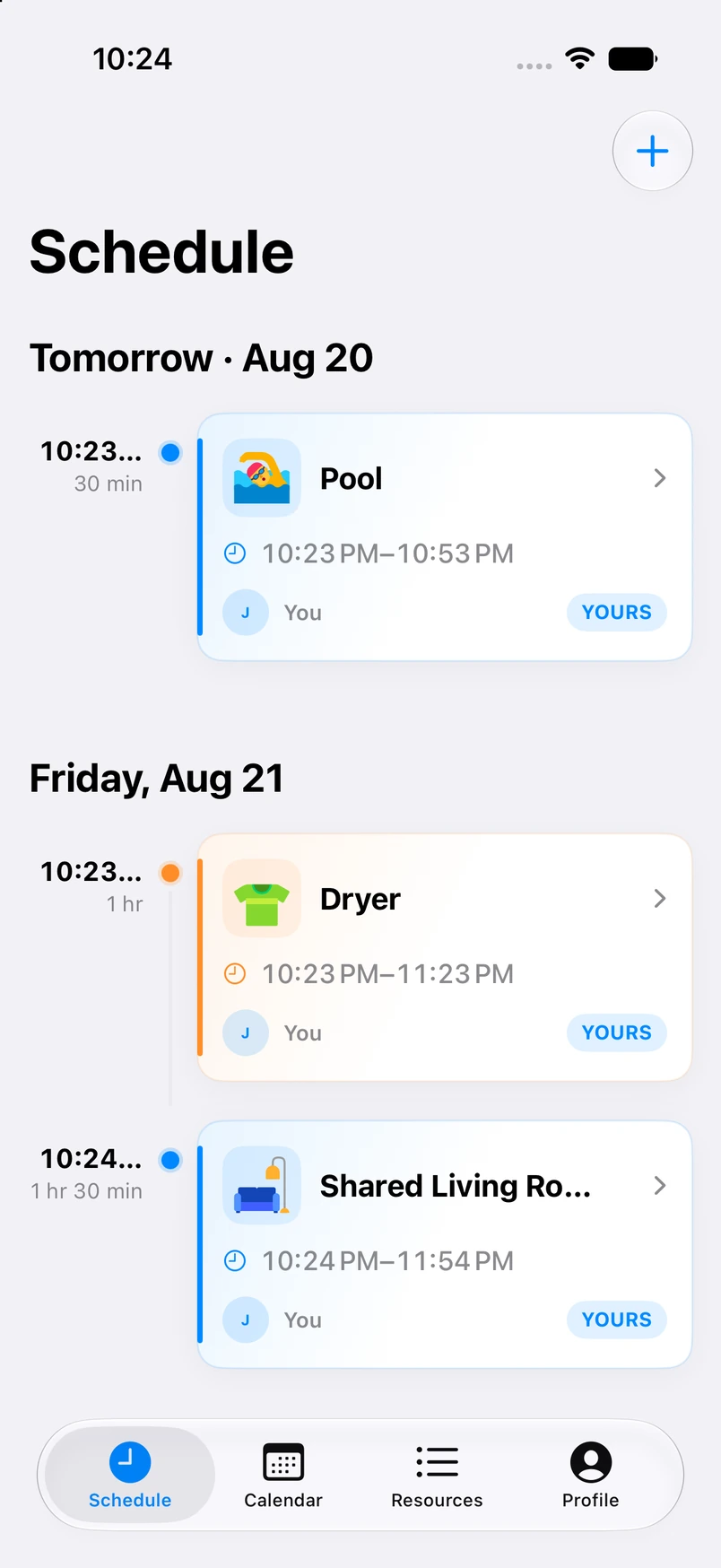
A single source of truth for what’s booked and when — from a clean studio view to real life on the couch, counting down until the Garden is yours.

Your Space schedule list on iPhone — studio mockup
Shared schedule — every resource, one timeline
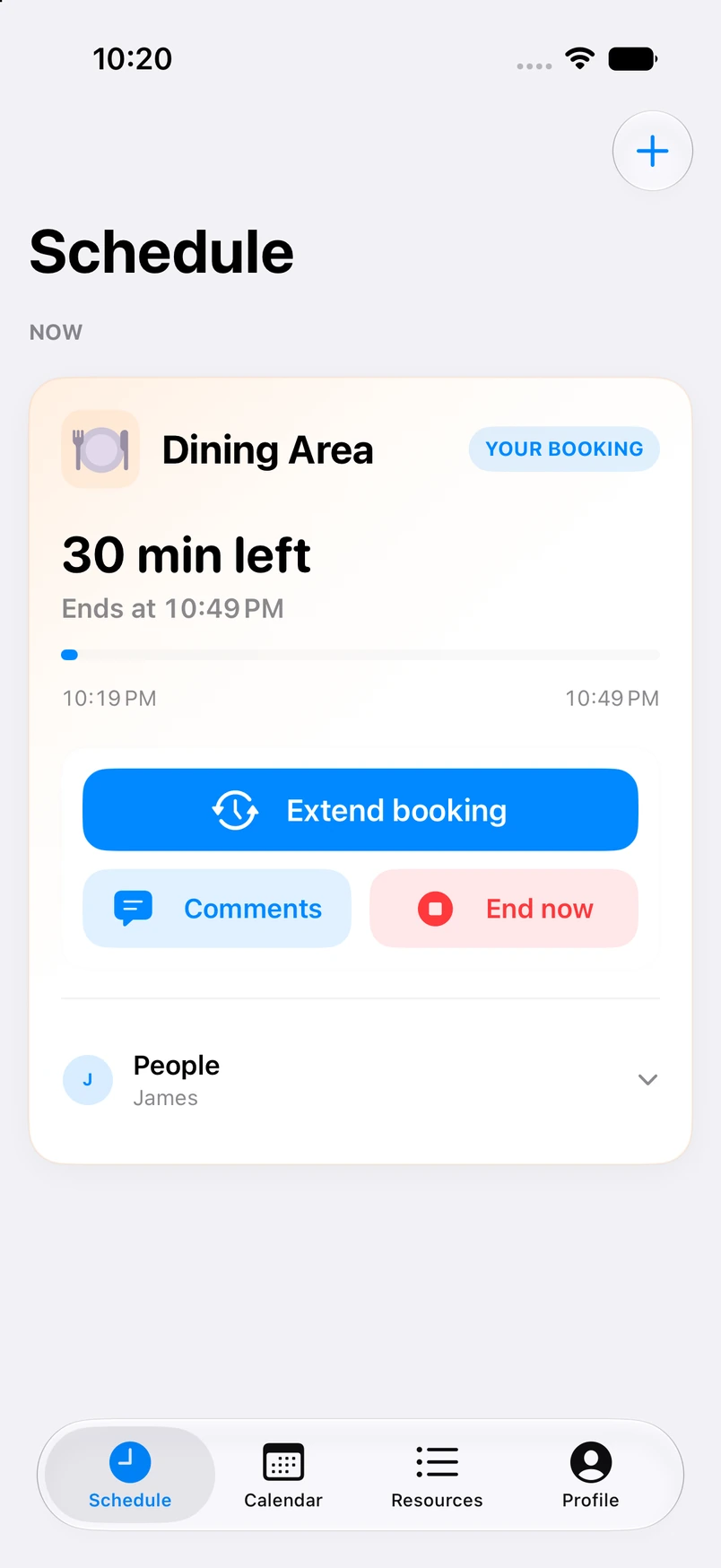
Your Space active reservation on iPhone — lifestyle mockup
Active reservation — live countdown in context

Getting Started

Create a Home. Bring your people.

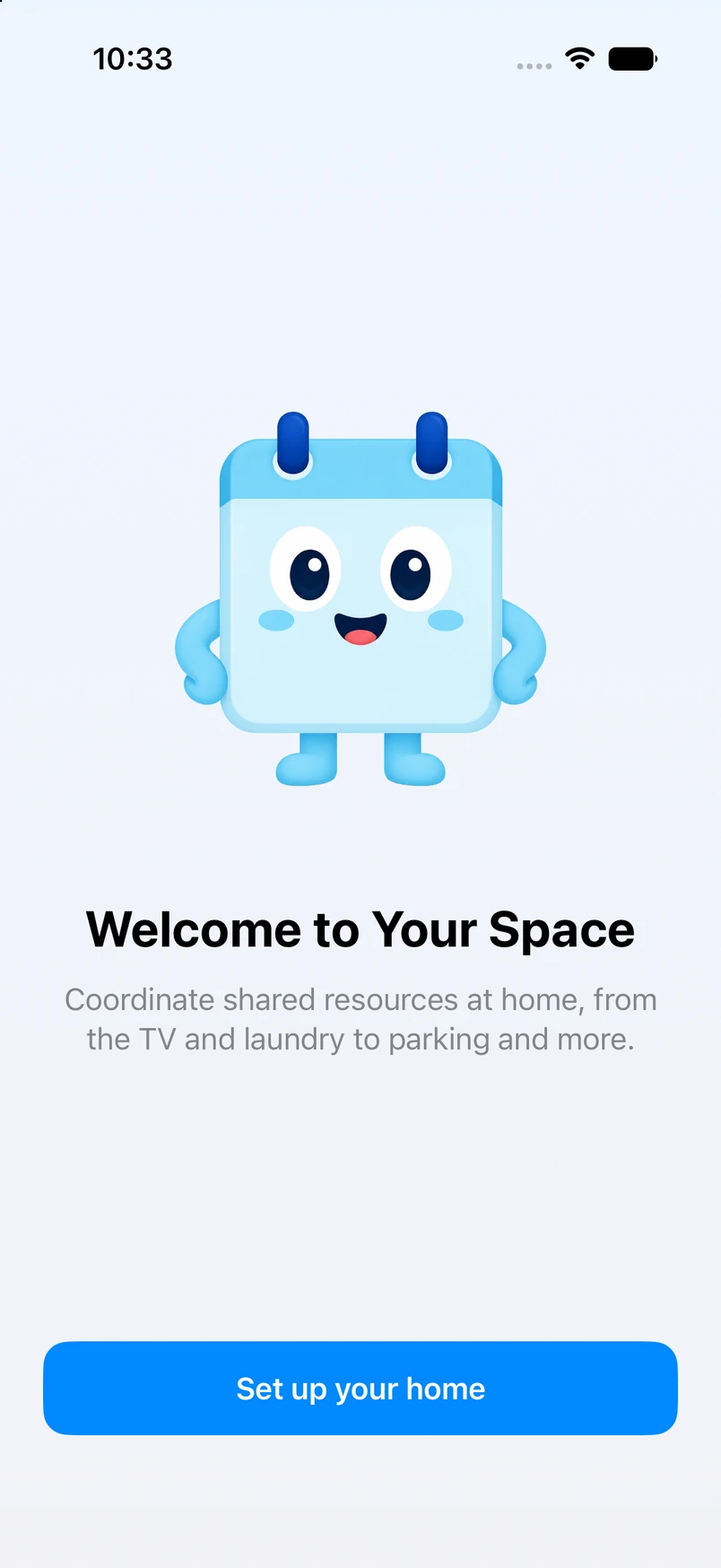
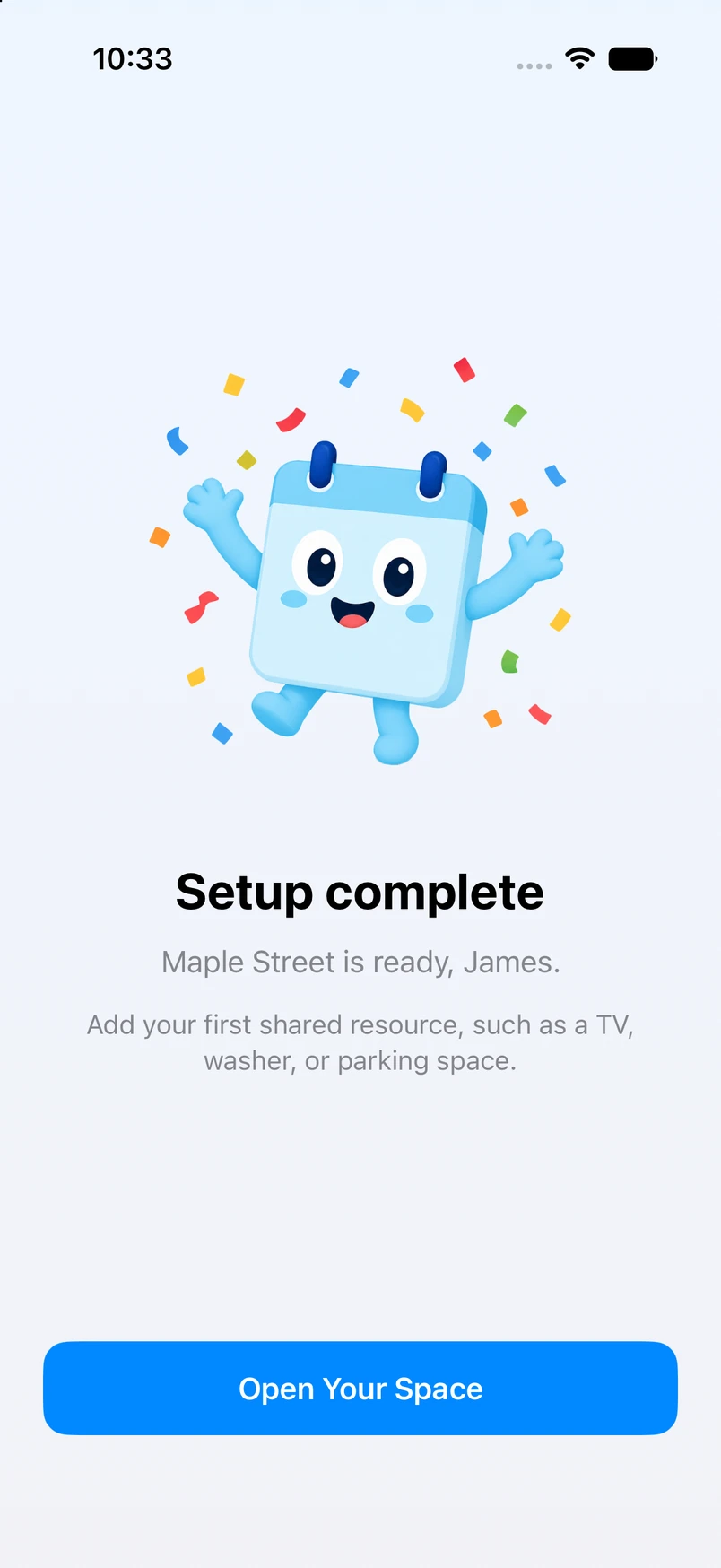
Sign in with Apple, name your household, and invite roommates or family with a link or code. The “Home” is the container for your people, your resources, and your shared schedule.

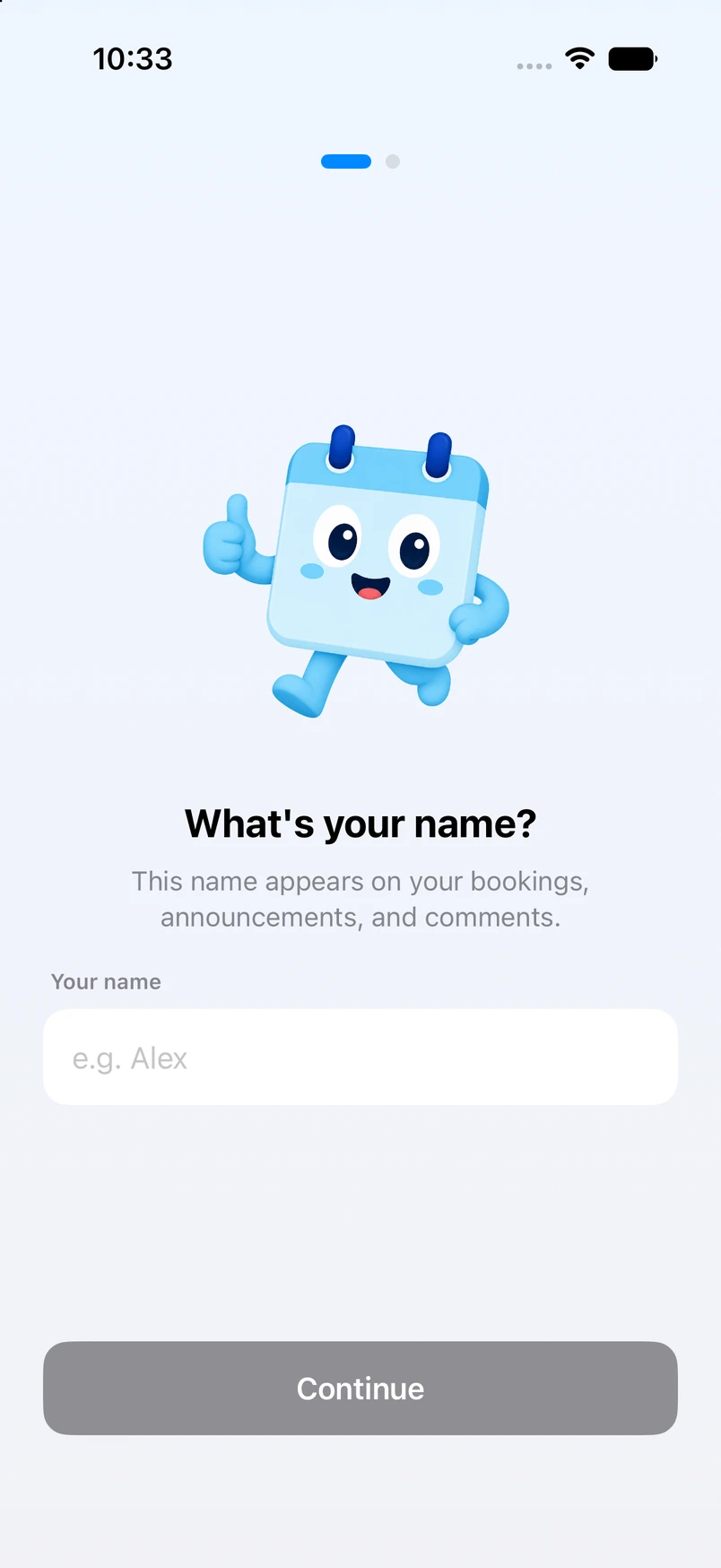
Onboarding: enter your name
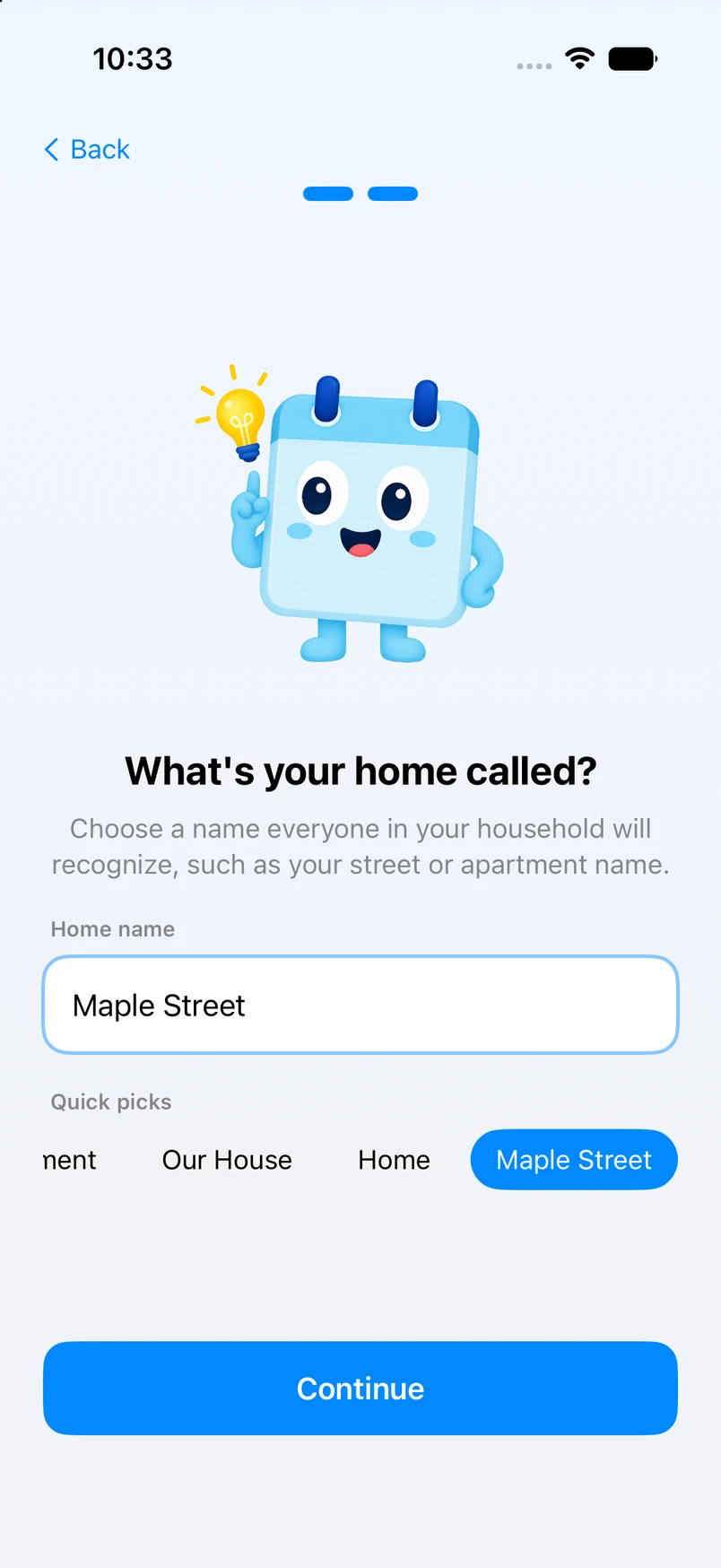
Onboarding: name your home with smart suggestions

Shared Schedule

No more “I’ll be done in five minutes.”

The schedule is the single source of truth. Everyone sees what’s in use right now, what’s coming up, and who’s next — so verbal agreements don’t turn into hour-long waits.

  • Live countdown on active reservations
  • Pick a resource, choose a time slot, confirm — no double-bookings
  • End early or extend when plans change
  • Push reminders before your slot starts and before it ends
Active reservation with live countdown and quick actions

Resources

Every home is different.

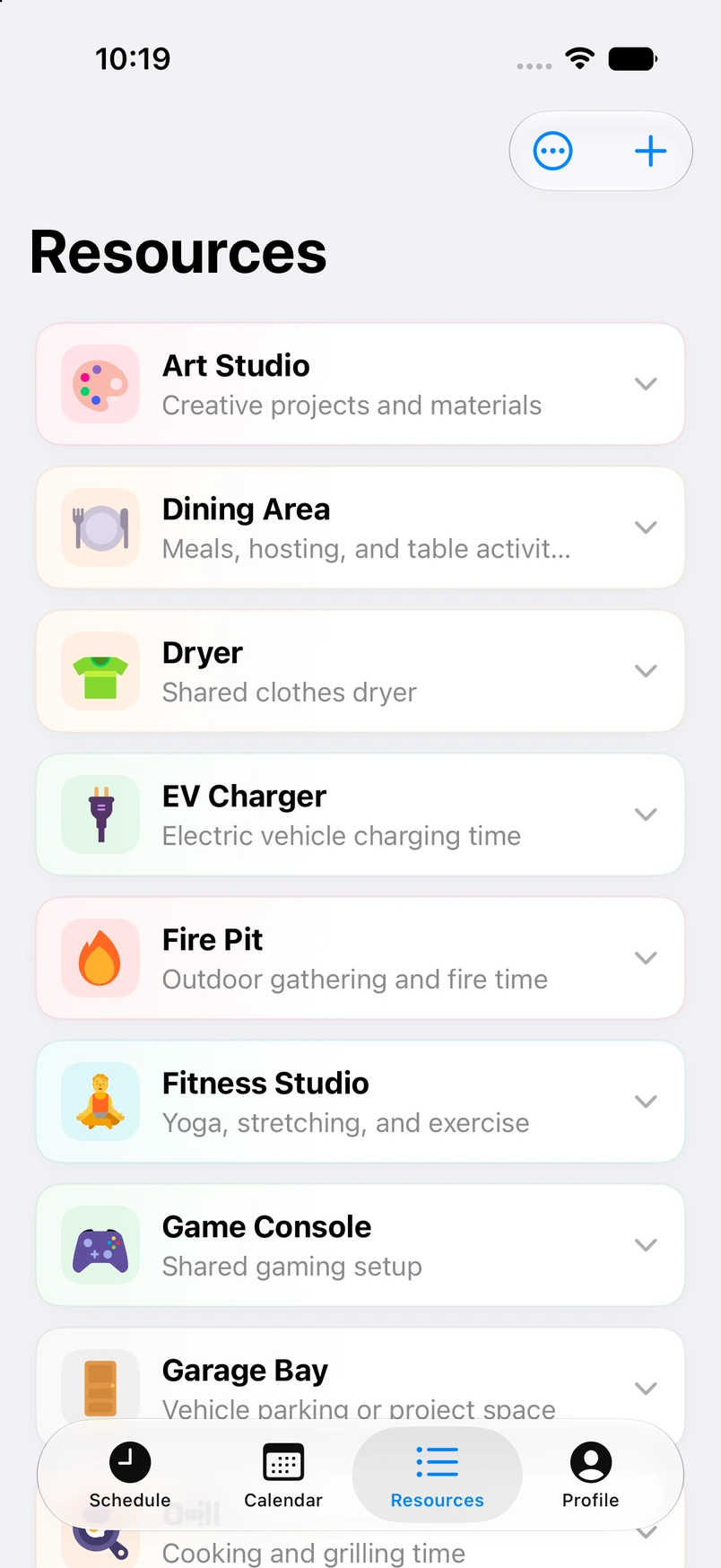
Add whatever your household actually fights over — Washer, Main Bathroom, Peloton, Family Car, Xbox — then name it, color it, and set rules so no one hogs the good stuff.

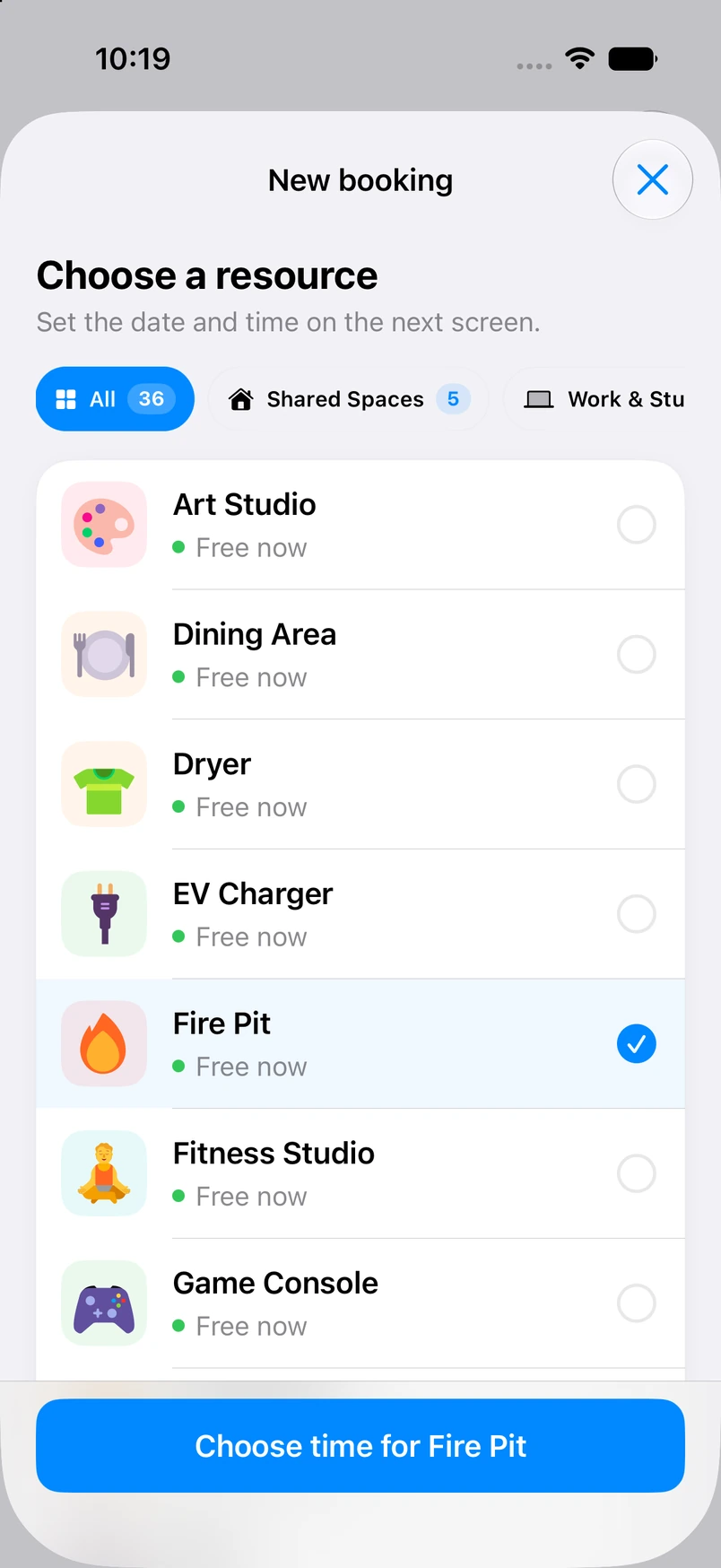
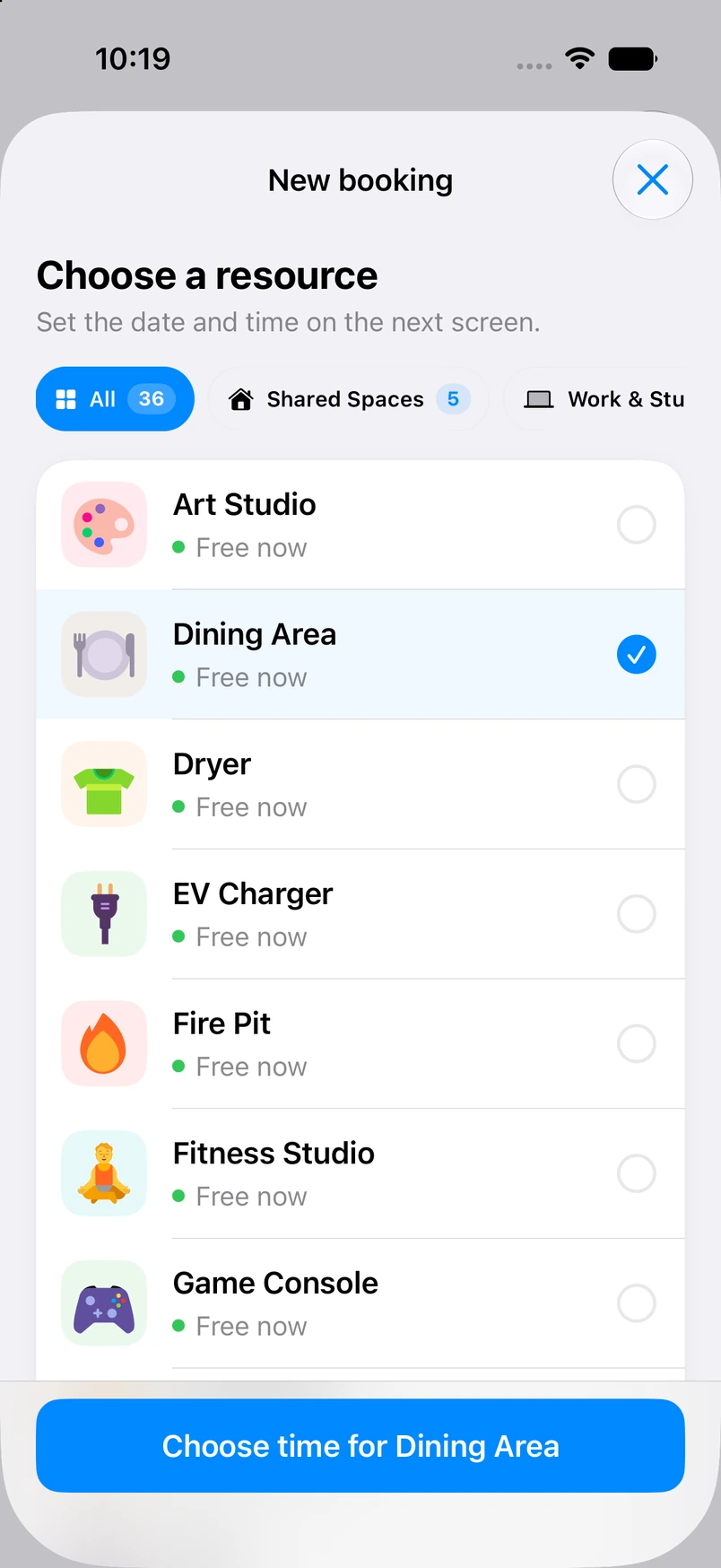
Add Resource picker with categories and common spaces
New Resource form with icon and color customization

Time limits

30-min shower caps

Cooldowns

No back-to-back Xbox

Prime time

Kitchen rules 6–8 PM

Presets

12+ common spaces

Calendar

Plan around the rush hours.

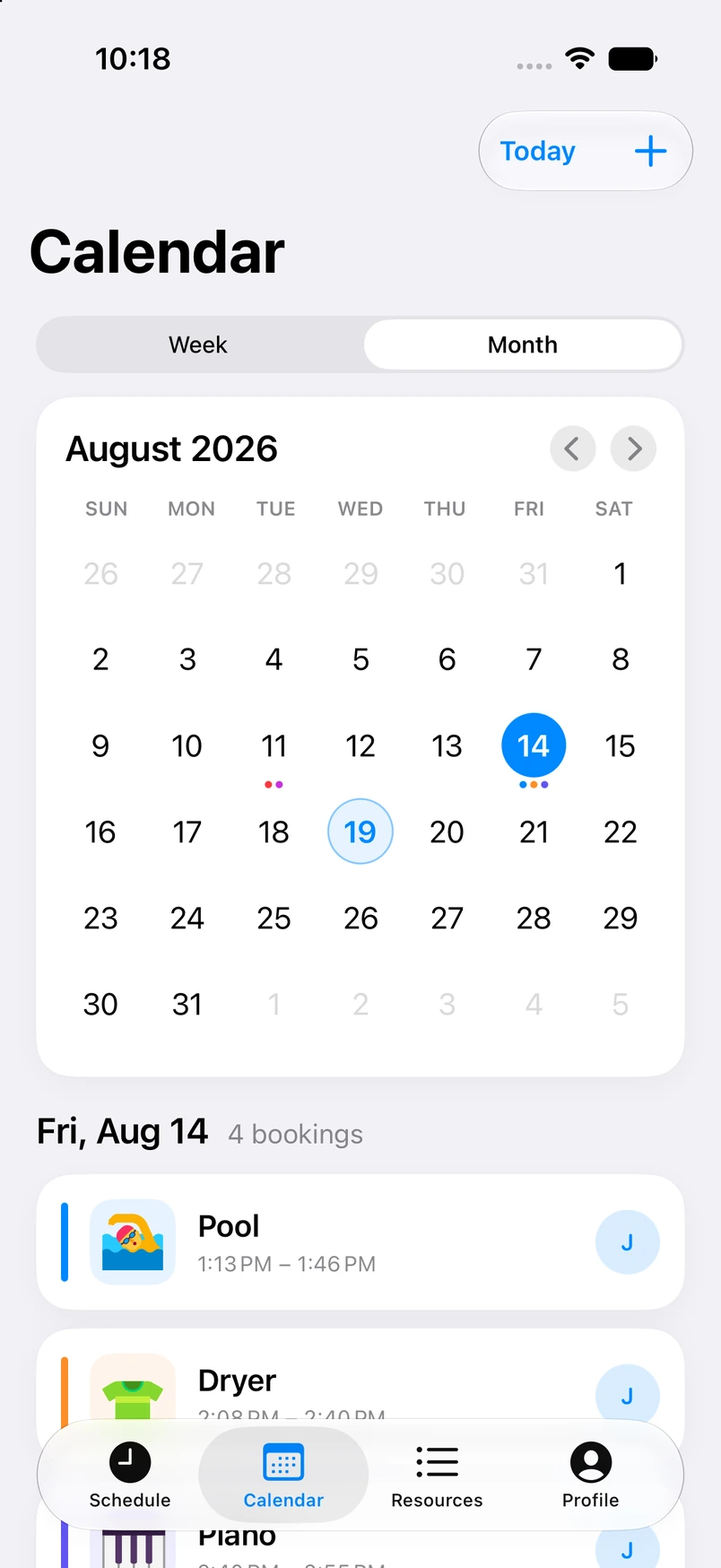
Block Tuesday laundry night before someone else does. See the whole week at a glance, or zoom out to the month — especially useful when class schedules, work shifts, and Sunday meal prep all collide.

Month calendar view with selected date
Week calendar view with quick add

Beyond Booking

Get in line. Stay in sync.

When the washer is taken, tap “Get in Line” instead of hovering in the hallway. Status updates and in-app comments keep the courtesy — without switching to iMessage.

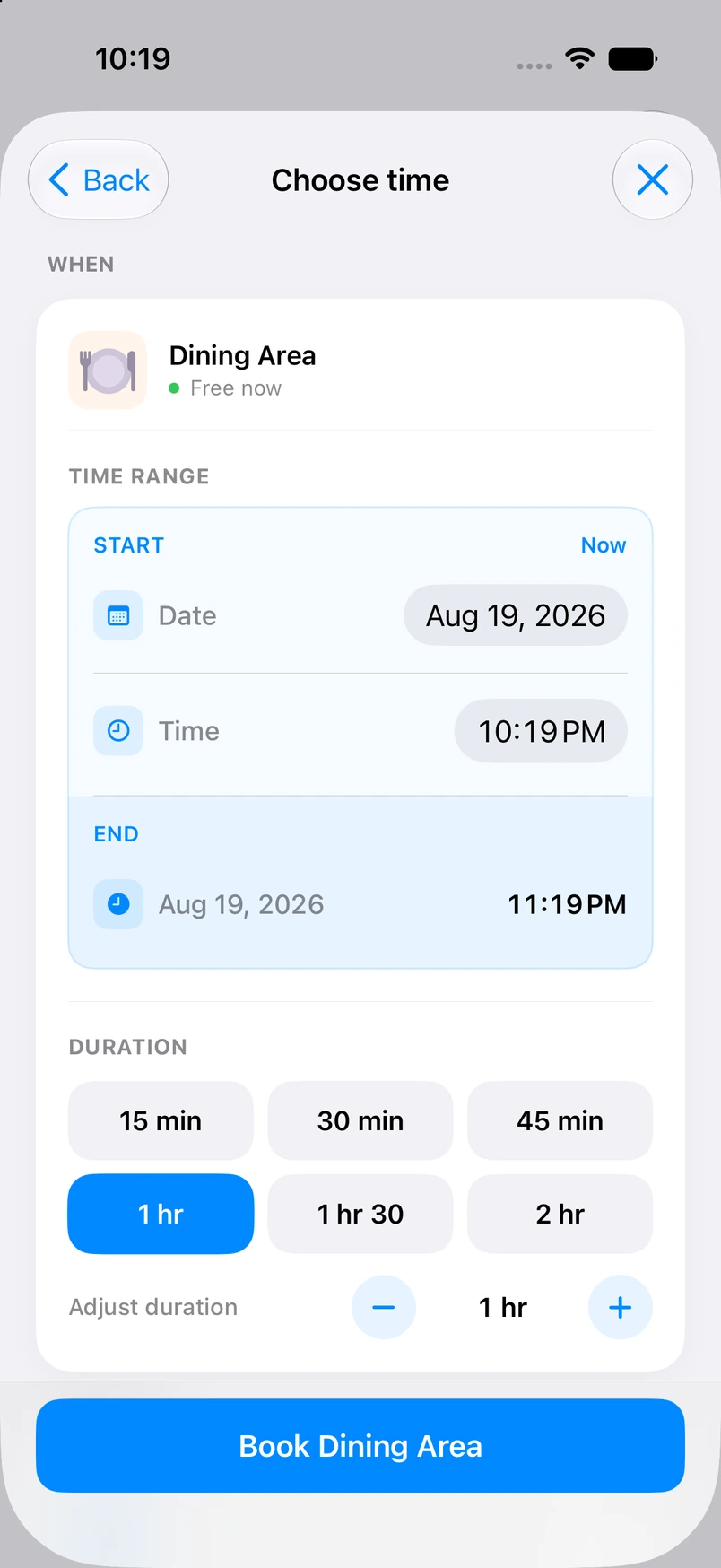
Quick Booking with smart durations

Quick Booking

Pick a resource, set a time slot, and confirm in seconds. If it’s taken, join the queue and get notified when it’s your turn.

Extend reservation by 15, 30, or 60 minutes

Status Updates

Running late? Finished early? One tap updates everyone — and frees the resource for the next person in line sooner.

Discussion thread on a reservation

In-Context Comments

“Just need the microwave for two minutes” — quick negotiations stay attached to the booking, not buried in a group chat.

Your Home

A neutral referee for your household.

Your Space offloads the mental energy of managing who gets what and when. Admins set fair rules; members get smart notifications; everyone can see usage history when disputes come up.

  • Invite roommates or family with a link or code
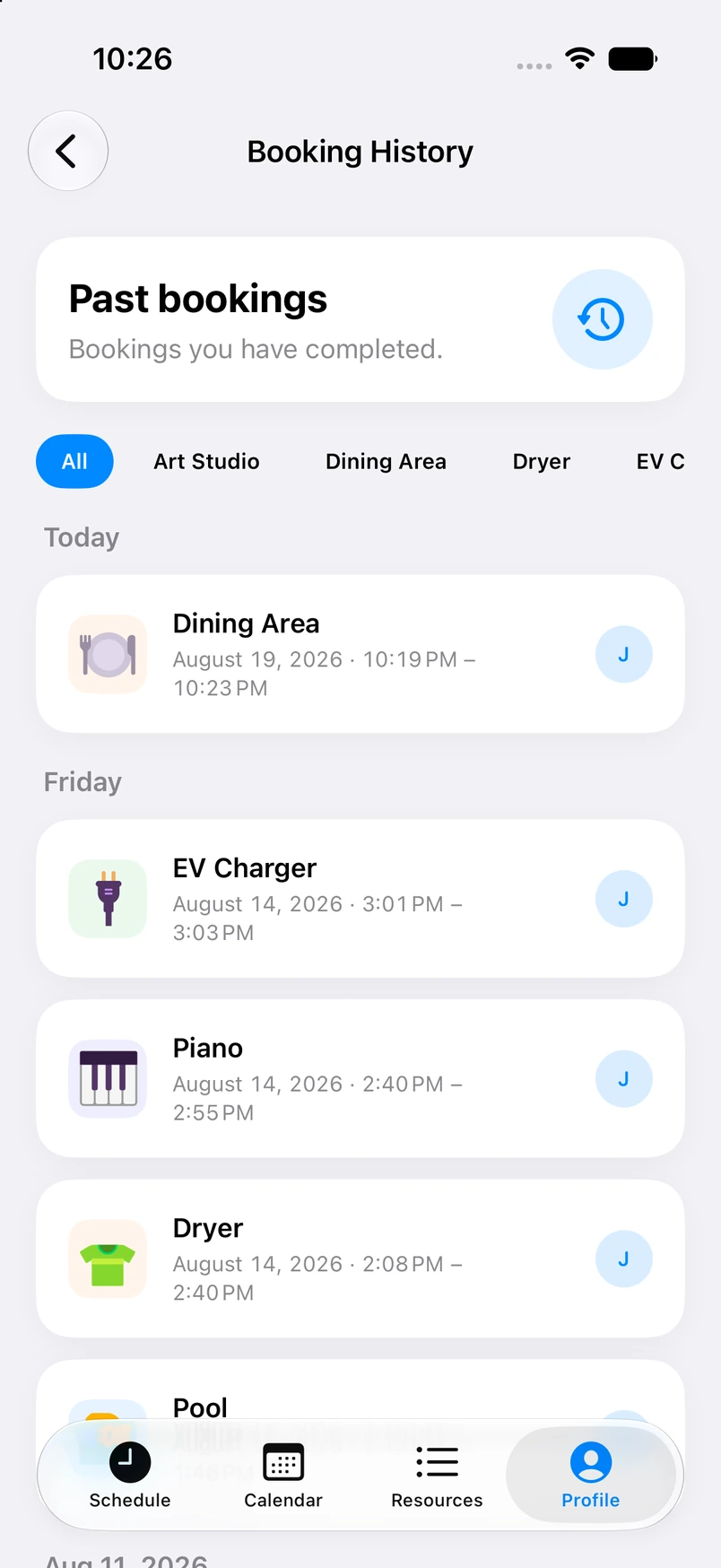
  • Reservation history and simple usage stats per resource
  • “Your slot starts in 15 minutes” and “Session ends in 10” alerts
  • Admin controls for time limits, cooldowns, and prime-time rules
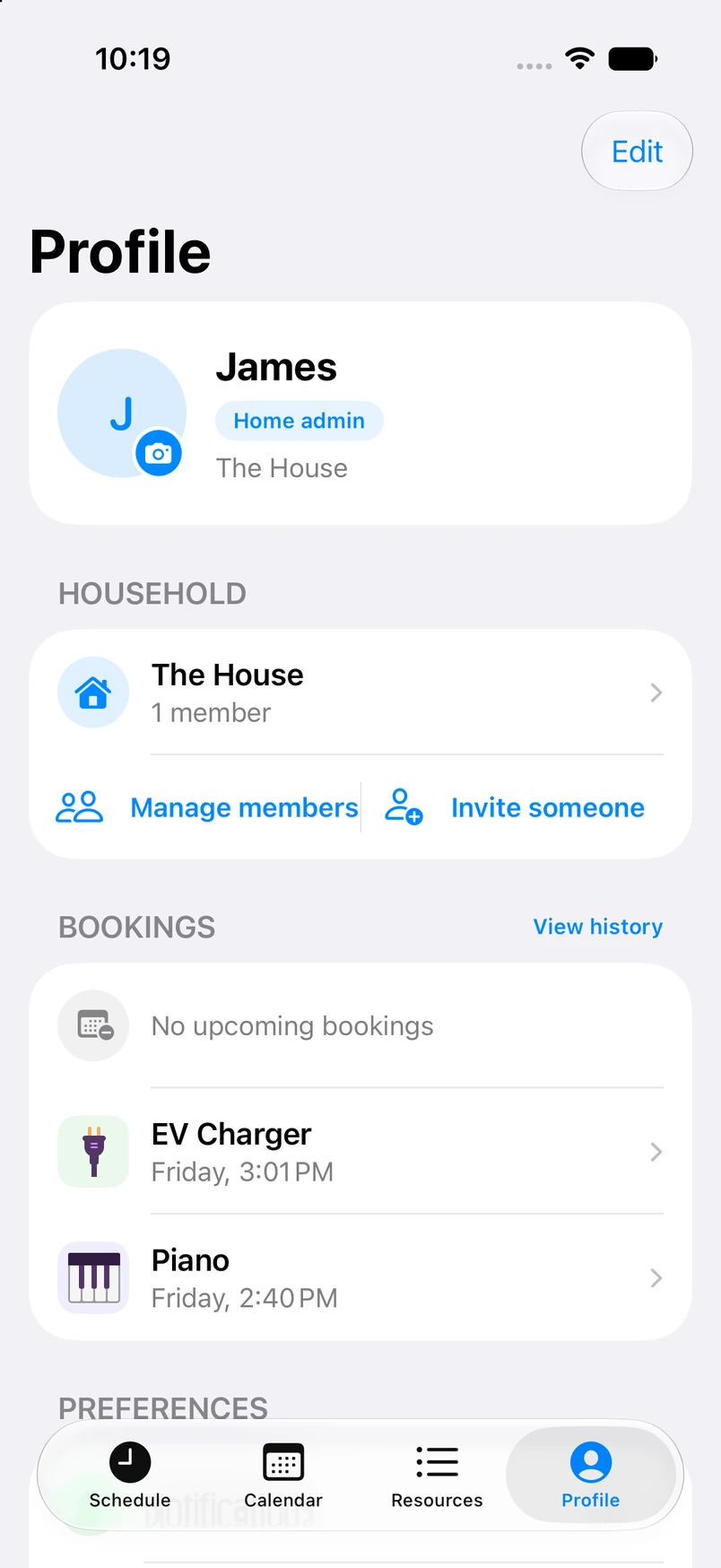
Profile screen with roommate badge and household members Settings screen with notifications controls

Under the Hood

Native iOS. Built to ship.

Sign in with Apple, sync across devices, and a scheduling engine that prevents overlap by default — the MVP foundation, plus the features that make shared living actually work.

Core MVP

Accounts, Homes, and Reservations

Sign in with Apple for secure identity. Create a Home, invite members, add custom resources, and book time slots on a shared calendar — the non-negotiable loop that solves the core problem.

Differentiators

Queue, Rules, and Notifications

Get in Line when something’s busy. Admins codify verbal agreements into automated limits. Smart push notifications keep everyone on schedule without monopolizing shared resources.

Shipping Soon

Less arguing. More living.

Your Space is in active development on iOS 18 — a polished v1 for students in dorms, roommates in city apartments, and families who are done being the schedule police.