Native Mac app · Product case study
Frame
Studio.
More interactive videos for my designs.
Built with Codex to bring my designs to life through engaging video walkthroughs. A native Mac tool, with a workflow I own—without another app subscription.
 FrameStudio
01 / The idea
Let the design
tell its story.
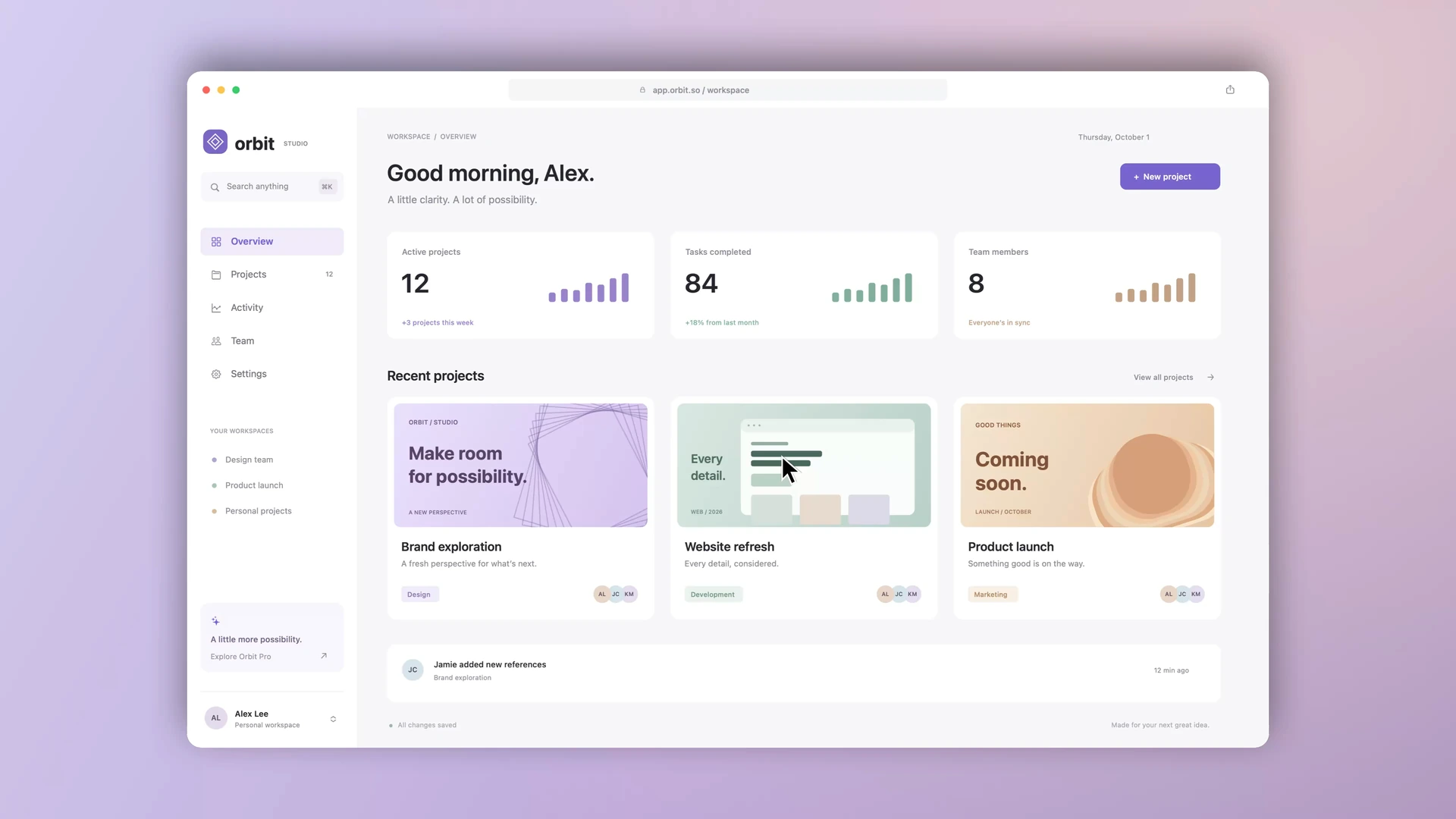
I wanted more interactive videos for my designs: show the work in use, follow an interaction, and make the details easier to notice.
- Show designs in use
- Guide attention
- Own the workflow
02 / Built with Codex
A creative goal.
A tool I built.
I directed the product and visual experience. With Codex, I turned that direction into a native app, then refined the recording, motion, and export through real use.
 Built with Codex.
Refined in use.Native macOS
Design the behavior
Build with Codex
Shape the motion
Test the real app
03 / The studio
Record the moment.
Direct the details.
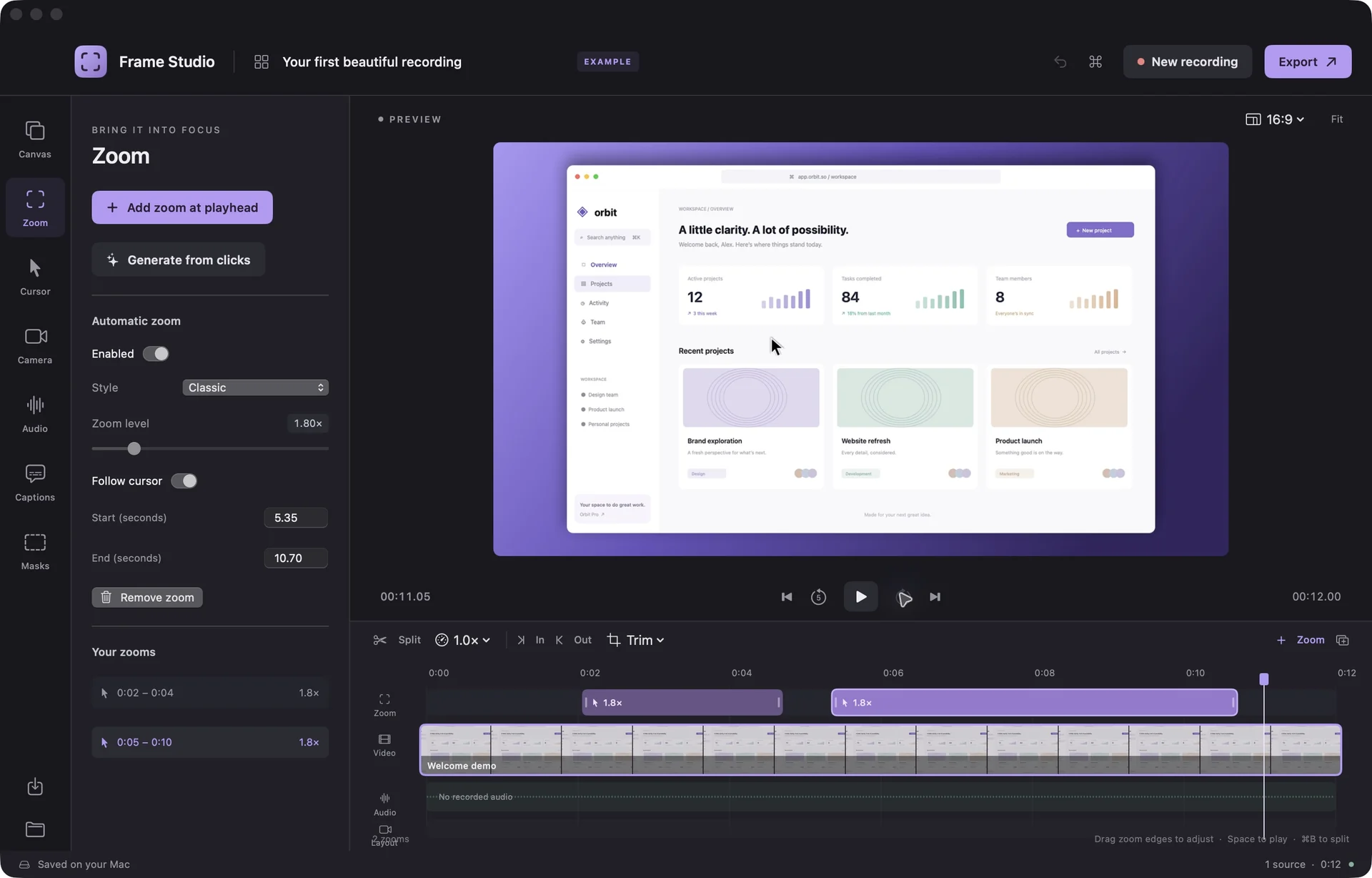
A focused start opens into an editable workspace. Explore the actual app screens, from the first recording to the finished file.
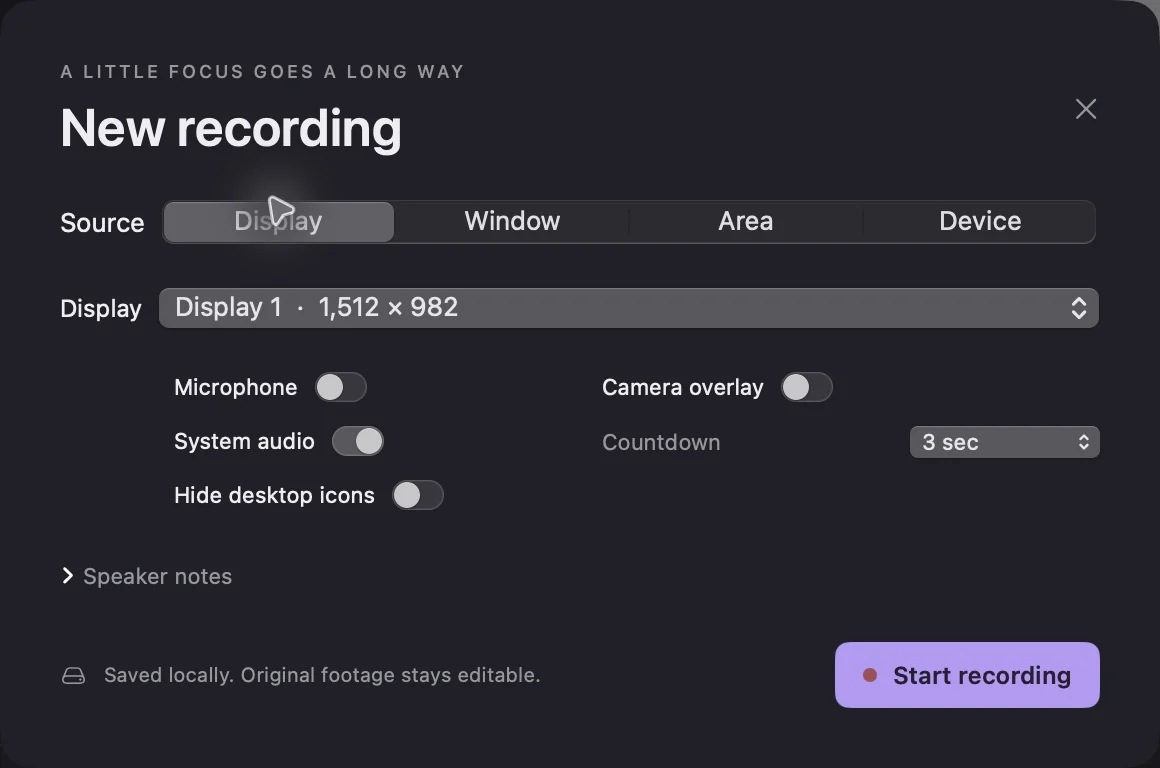
A clear start.
A local recording.
Capture a display, window, or area. Add audio or a camera, and keep the original footage editable.
Actual app screen ↗ Select image to enlarge
The frame is
part of the story.
Shape the presentation with backgrounds, framing, and shadow. Preview each choice as you make it.
Actual app screen ↗ Select image to enlarge
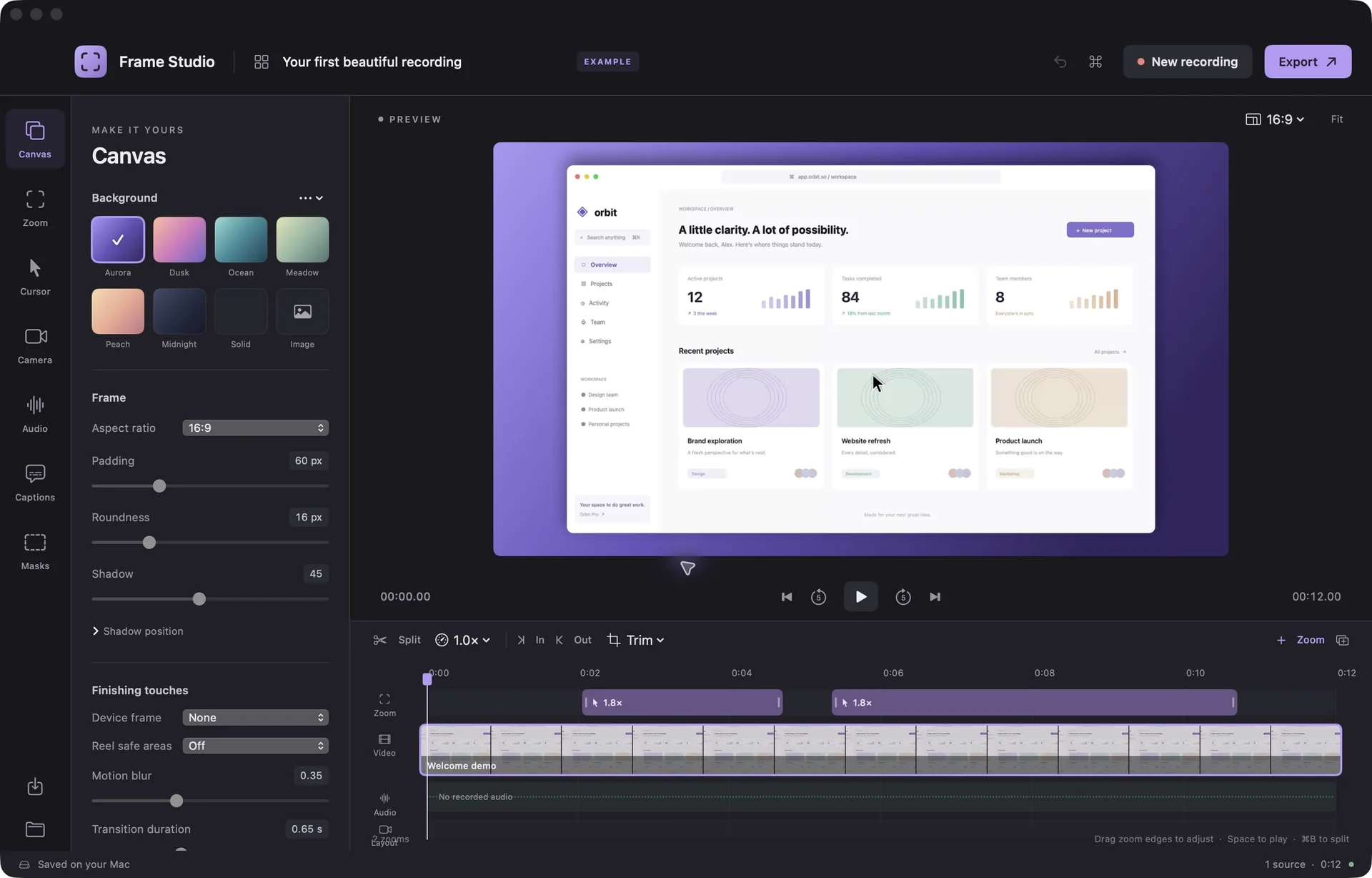
Automatic focus.
Room to adjust.
Clicks become editable zooms. Adjust timing and focus; refine the cursor or reveal a detail with the loupe.
Actual app screen ↗ Select image to enlarge
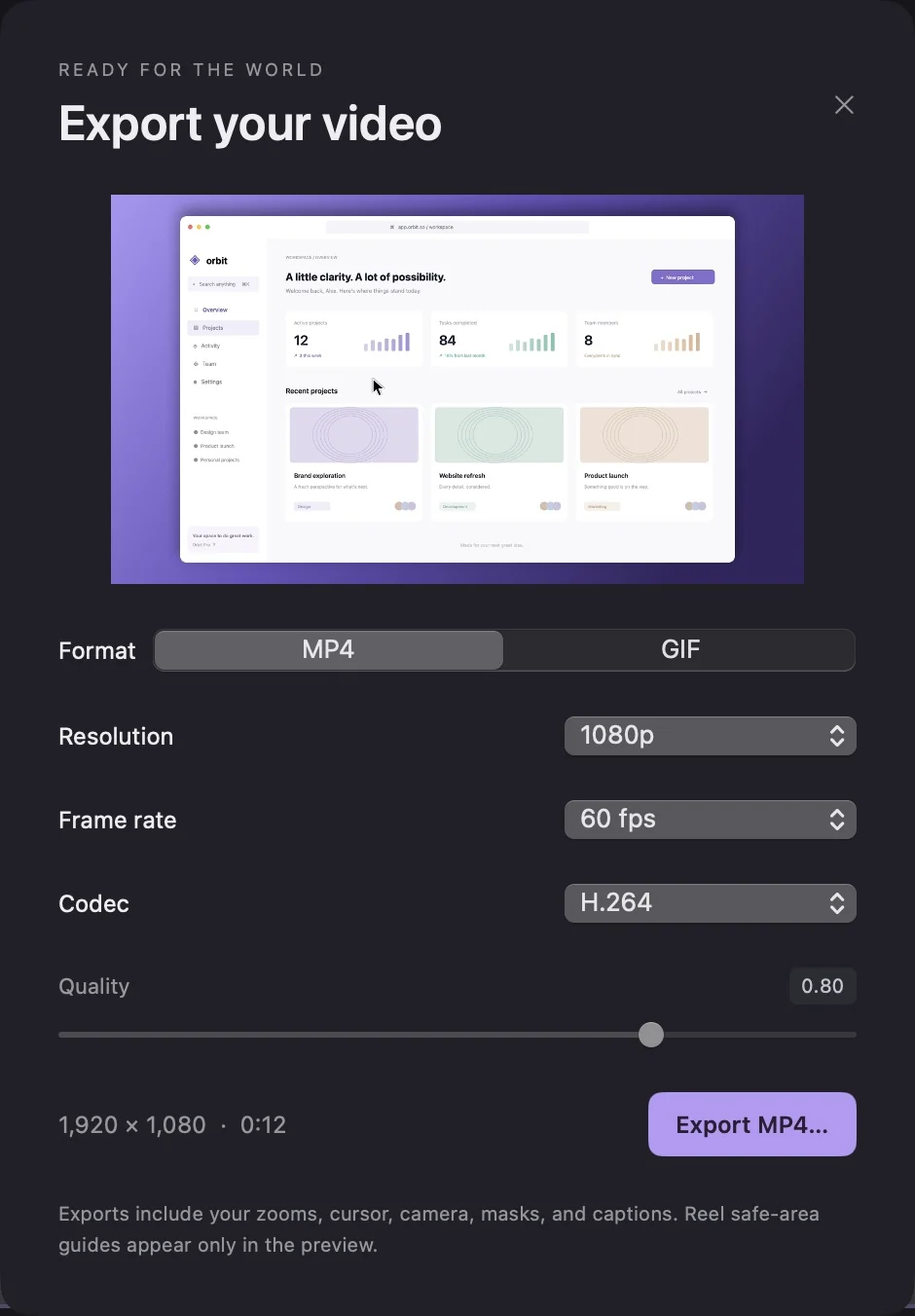
What you see.
What you share.
Export an MP4 or looping GIF. The same renderer carries your framing and motion into the finished file.
Actual app screen ↗ Select image to enlarge

04 / In motion
The difference
is in the movement.
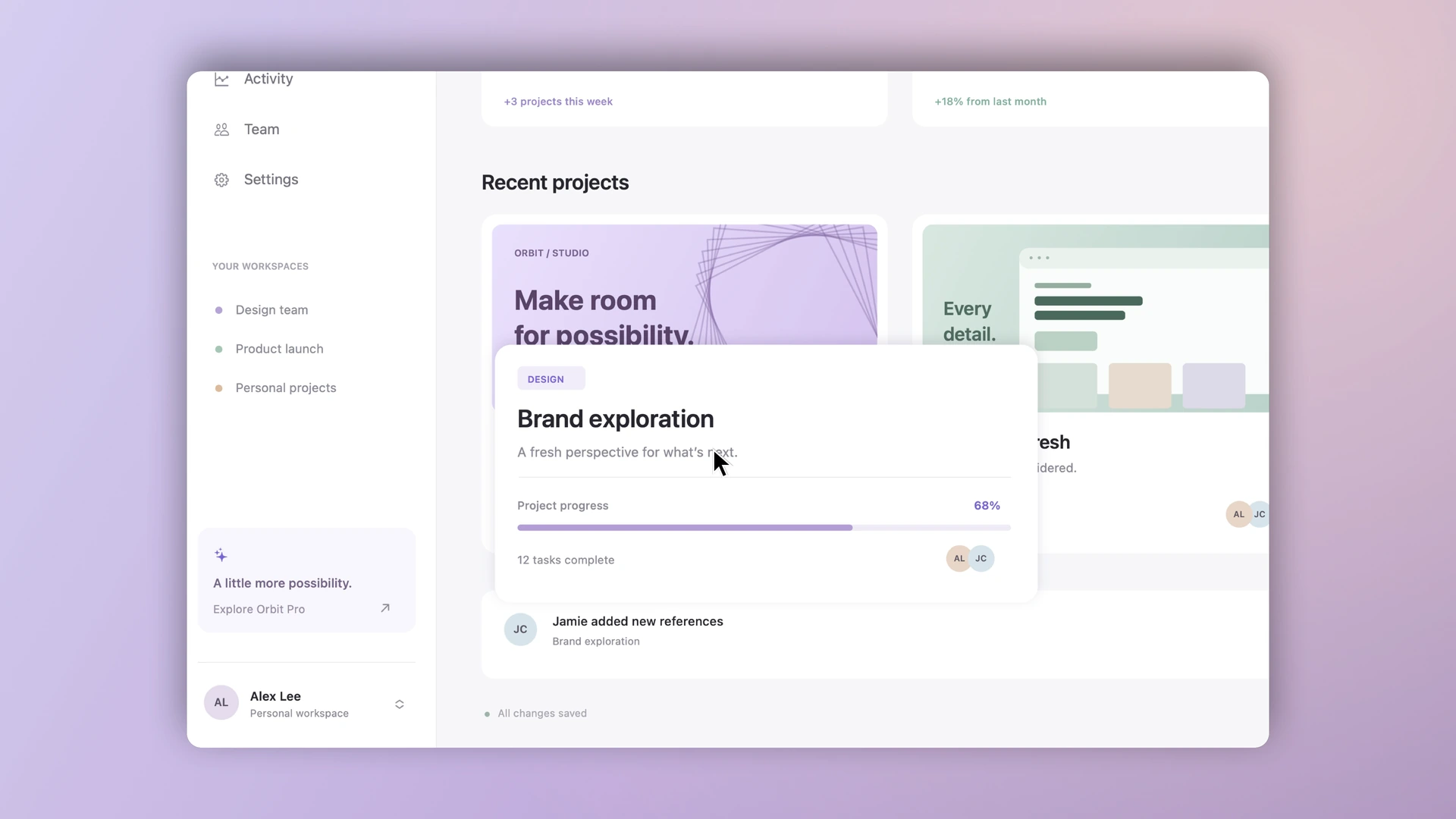
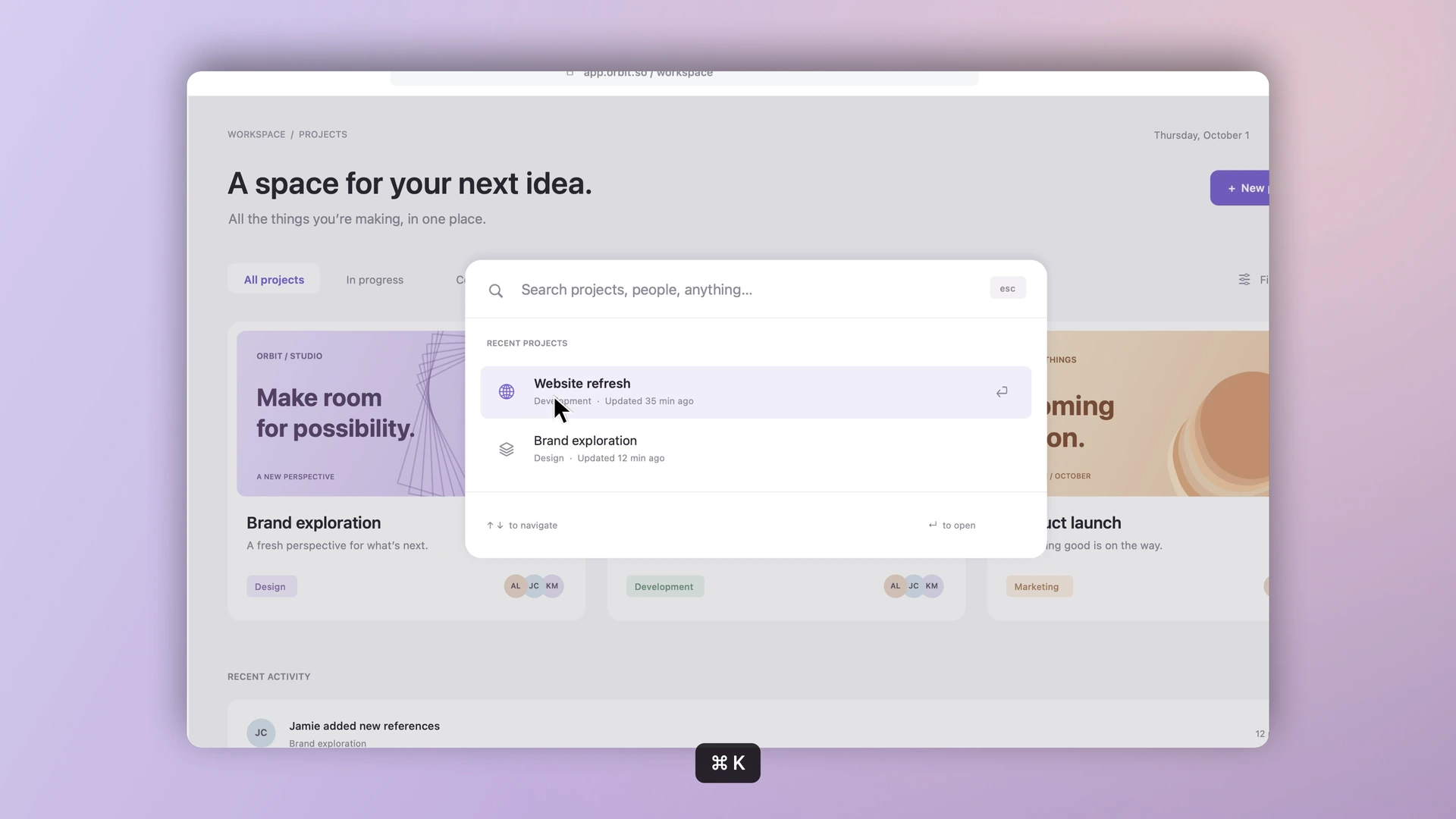
A complete walkthrough, from the dashboard to project details and keyboard search. Eased zooms and a steady cursor make each interaction easy to follow.
Rendered in Frame Studio with eased zooms, smooth cursor travel, click ripples, and keyboard shortcuts.
24 seconds / 60 fpsFocus that flows
Smooth transitions guide attention from one detail to the next.
Movement with intention
A steady cursor makes each interaction clear.
Preview the real result
Preview the motion; export it at 60 fps.
05 / The outcome
Designs in motion.
A tool of my own.
A working tool for more interactive videos of my designs. Record, shape the motion, and export—all on my Mac.
- Platform
- Native macOS · Swift & SwiftUI
- Output
- MP4 & looping GIF · up to 4K / 60 fps for MP4
- Storage
- Local media & portable editable projects
- Verified
- Recording, pause/resume, saving, playback & real media exports
Ongoing personal project. The current build runs locally.
Watch the motion demo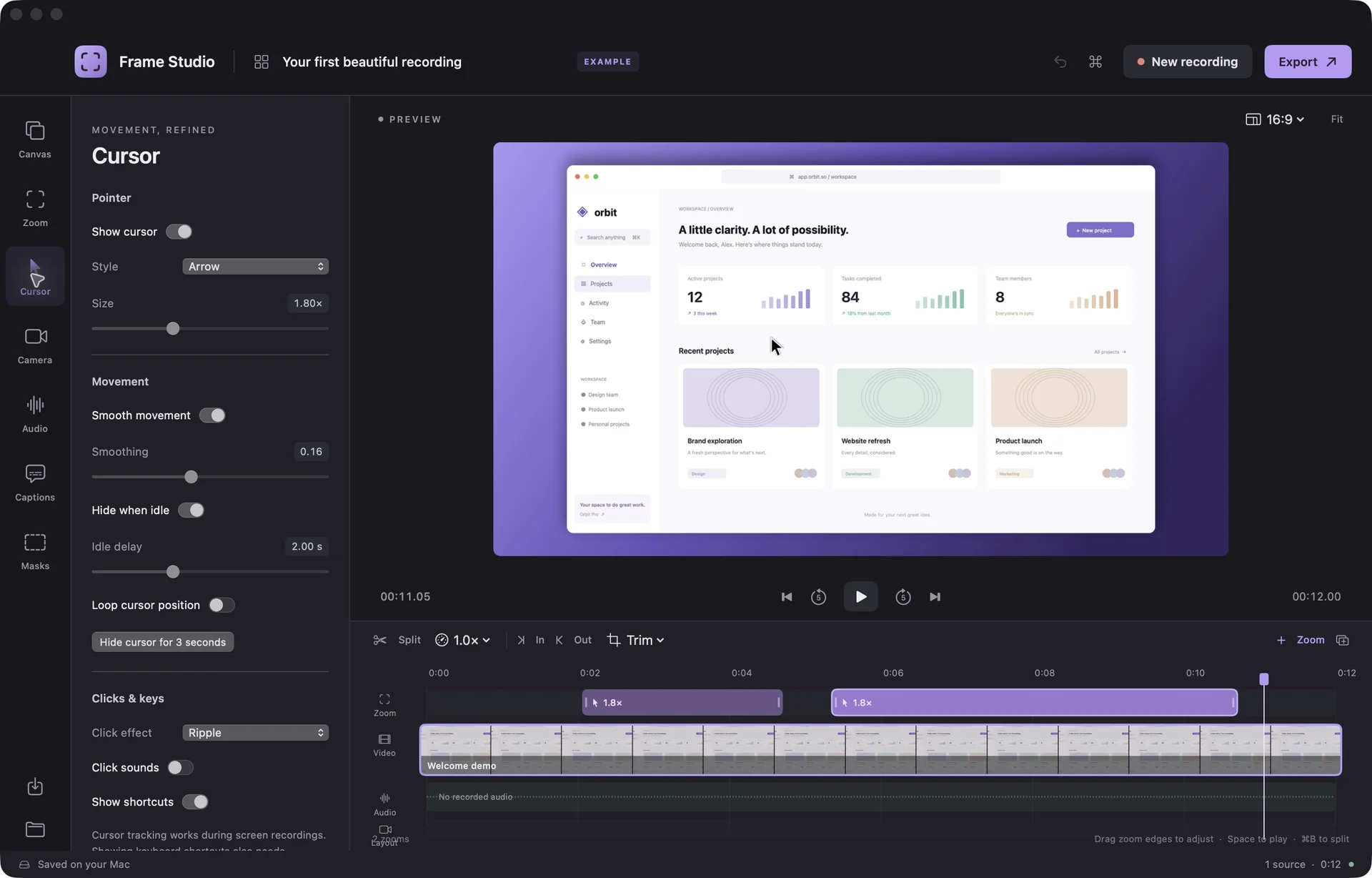 FrameStudio
A focus mark, quiet surfaces, and purple accents that lead the eye.
#B99AF4#19171E#F7F5F0What this project taught me
Design the work.
Bring it to life.
Frame Studio connects how I design with how I present the work. Built with Codex. Made for my creative process.
Designed and built by James Mirdamadi / 2026